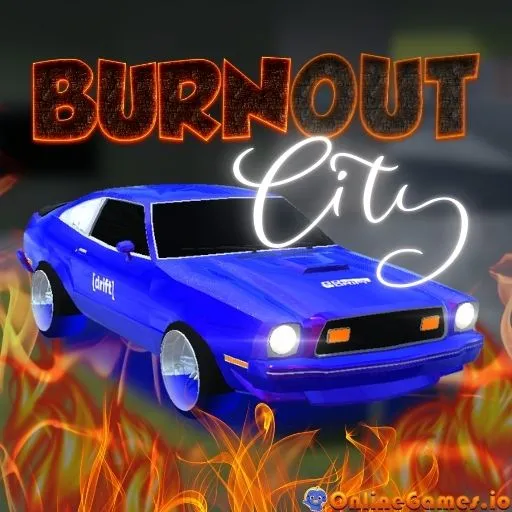
Burnout City
by Community
Real Flight Simulator
Super Liquid Soccer

Just One Boss
Moto X3m
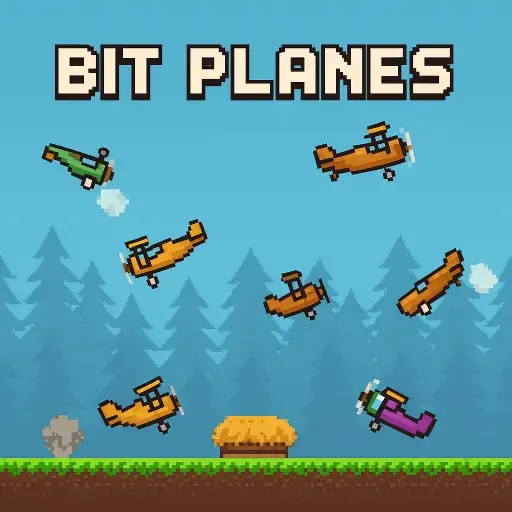
Bit Planes
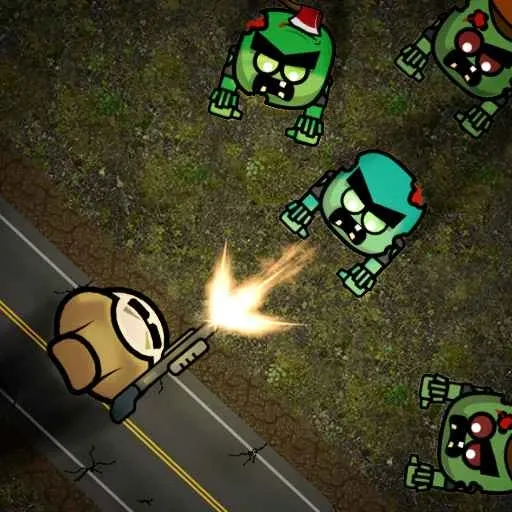
Mini Zombie Shooters
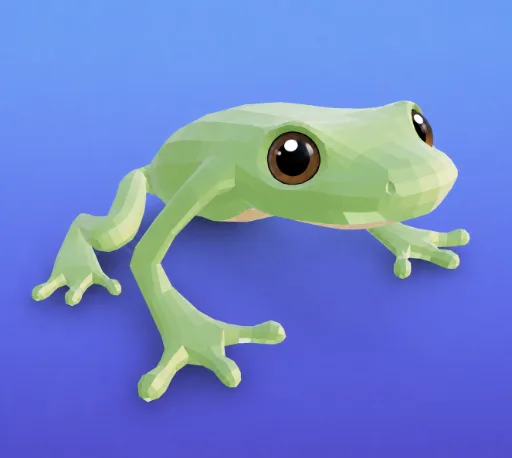
Froppy.io
Portal

Burrito Bison

Football Legends
Pizza Tower
PolyTrack Unblocked
Raft Wars 2

Stickman Destruction
Tomb of the Mask

10 Minutes Till Dawn

Ultimate Flash Sonic
Time Shooter 3
Super Star Car
Dad 'n Me
Crazy Cattle 3d Pro
Superfighters
Pico Fox
Boxing Random

Blumgi Rocket

Learn 2 Fly 2
Subway Surfers
Drive Mad

Eggy Car
Ragdoll Archers
Survival Karts

Electric Man 2
Browse by Category
You Might Also Like
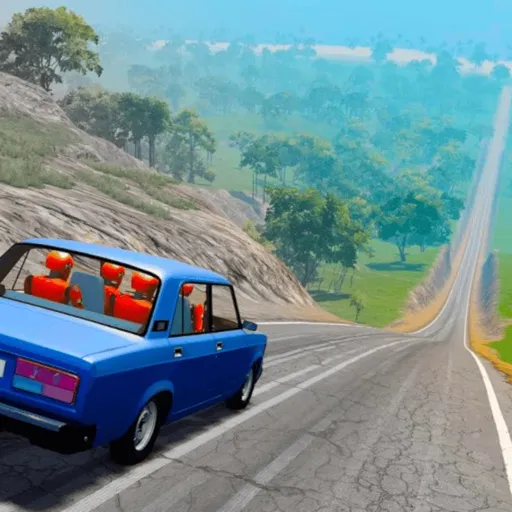

About Burnout City
Multiple drivable city districtsUnique vehicles with custom handlingDrifting and boost mechanicsPersonal best lap tracking
How to Play Burnout City
Controls
Frequently Asked Questions
How do you control your car in Burnout City?
Use WASD or the arrow keys to steer your vehicle. Press Spacebar to activate the handbrake for tight turns, Shift to boost your speed, and R to reset your car if you crash or get stuck.
How many different vehicles are there in Burnout City?
Burnout City features multiple vehicles, each with unique handling characteristics. Trying out different cars is part of the fun, as some may suit certain tracks or driving styles better than others.
What is the best strategy for getting fast lap times in Burnout City?
Learn when to use your boost wisely on straightaways and tap the handbrake through sharp turns to maintain speed without spinning out. Mastering each district's layout and memorizing the trickiest corners will help you shave seconds off your lap times.
How can I play Burnout City for free?
You can play Burnout City for free right here on GlorpMath. No downloads, sign-ups, or payments required. Just click play and start having fun instantly!
Does Burnout City work on school Chromebooks?
Yes! Burnout City runs directly in your browser and works great on Chromebooks, laptops, tablets, and phones. No installation needed.
Is Burnout City unblocked?
GlorpMath hosts Burnout City directly on our servers, making it accessible from most school and work networks. Just visit GlorpMath and start playing!