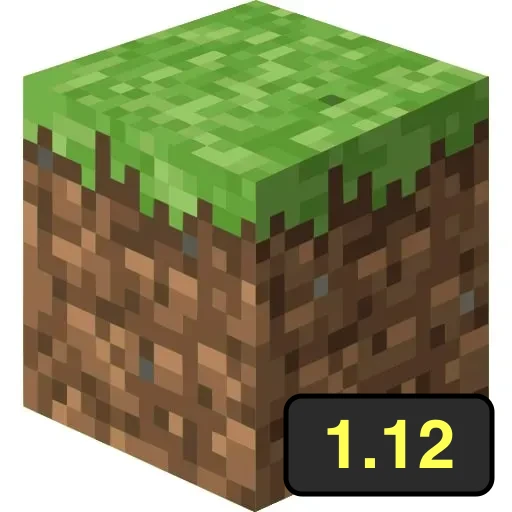
Eagle Craft 1.12
by Community
Bloonstd 5
Chrome Dino

Papas Scooperia
Duck Life 3
Drift Boss
Blumgi Ball

Basketball Stars
Drive Mad

Subway Surfers

Wordle
Raft Wars 2
Snek Io
Eagle Craft 1.8

Papas Bakeria

Retro Bowl
Papas Tacomia

Red Ball 4

Retro Bowl College
Grow A Garden

Space Waves

Gun Spin
Stickman Gta City
Helix Jump
Bob The Robber 4
Tanuki Sunset

Tiny Fishing
Drift King
Sprunki
Cookie Clicker
Highway Traffic

Traffic Jam 3D
Snow Rider 3d
Browse by Category
You Might Also Like



About Eagle Craft 1.12
Minecraft 1.12.2 in the browserElytra, shields, llamas, parrots, shulker boxes and concreteSingleplayer worlds that save in your browserImport worlds from Eagle Craft 1.8
How to Play Eagle Craft 1.12
Controls
Frequently Asked Questions
How do I move my world from Eagle Craft 1.8 to 1.12?
In Eagle Craft 1.8, open Singleplayer, select your world, press Backup, then Convert to Vanilla. That downloads a .zip of the world. In Eagle Craft 1.12, open Singleplayer, choose Create New World, then Import Vanilla World and pick that .zip. Your original world stays in 1.8, untouched.
What's the difference between Eagle Craft 1.8 and 1.12?
1.12 has everything added to Minecraft after 1.8, like elytra, shields, llamas, parrots and shulker boxes. 1.8 is more polished and many multiplayer servers still run it. They keep separate worlds, so playing one never changes the other.
Where are my worlds saved?
In this browser, on this device. Clearing your browser data deletes them, so use Backup to download a copy of any world you care about.
How can I play Eagle Craft 1.12 for free?
You can play Eagle Craft 1.12 for free right here on GlorpMath. No downloads, sign-ups, or payments required. Just click play and start having fun instantly!
Does Eagle Craft 1.12 work on school Chromebooks?
Yes! Eagle Craft 1.12 runs directly in your browser and works great on Chromebooks, laptops, tablets, and phones. No installation needed.
Is Eagle Craft 1.12 unblocked?
GlorpMath hosts Eagle Craft 1.12 directly on our servers, making it accessible from most school and work networks. Just visit GlorpMath and start playing!